

Before creating your container, you'll need to create a GitHub app for your organisation.
Creating a GitHub app
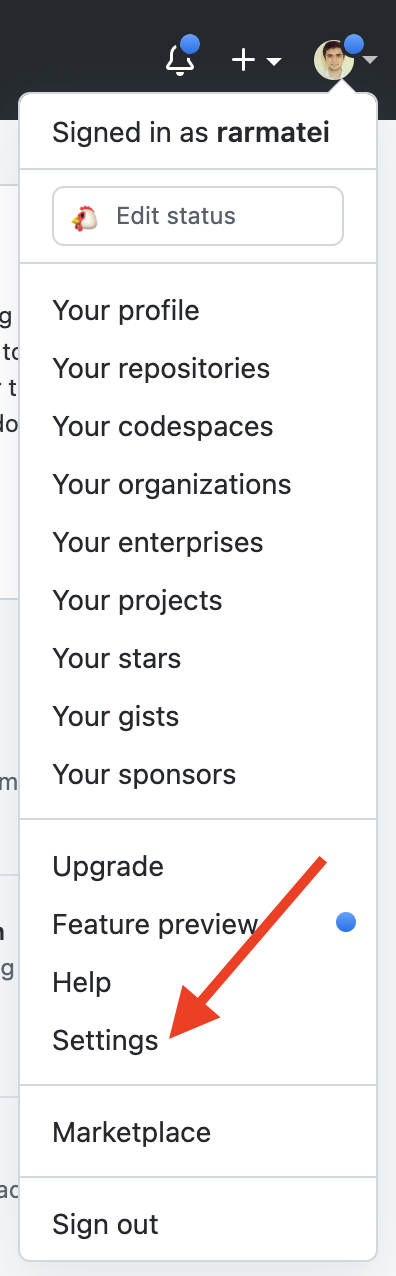
Section titled “Creating a GitHub app”From GitHub, click on your profile picture and chose "Settings":
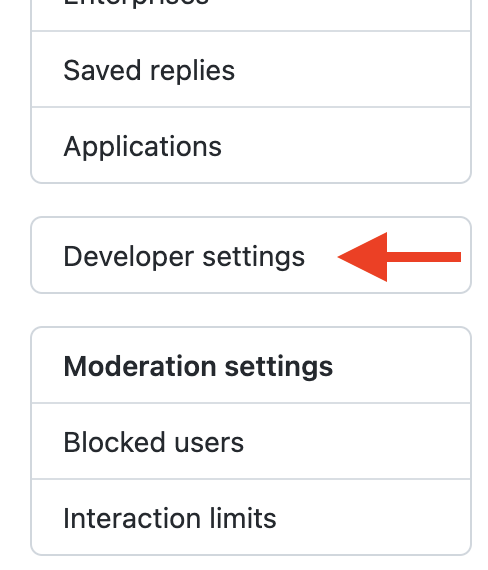
Then "Developer settings" from the left-hand menu:
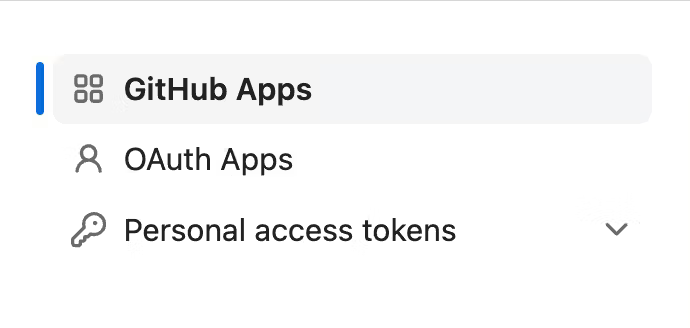
Then "GitHub Apps":
And create a new GitHub app:
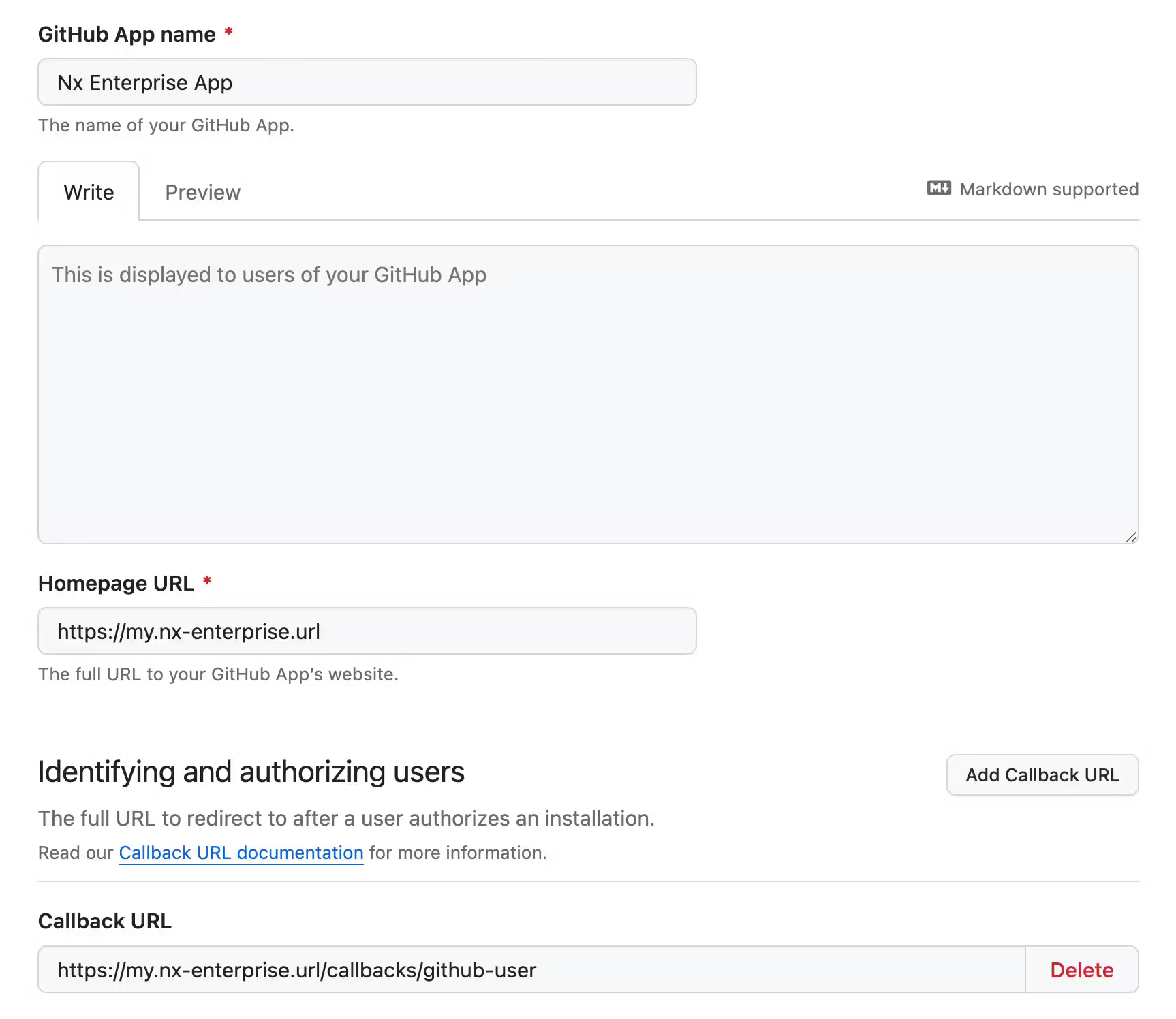
Give it a name, and a homepage URL. The callback URL is the important bit. It needs to be in this form:
[your-nx-cloud-url]/callbacks/github-user
# for examplehttps://my.nx-enterprise.url:8080/callbacks/github-user
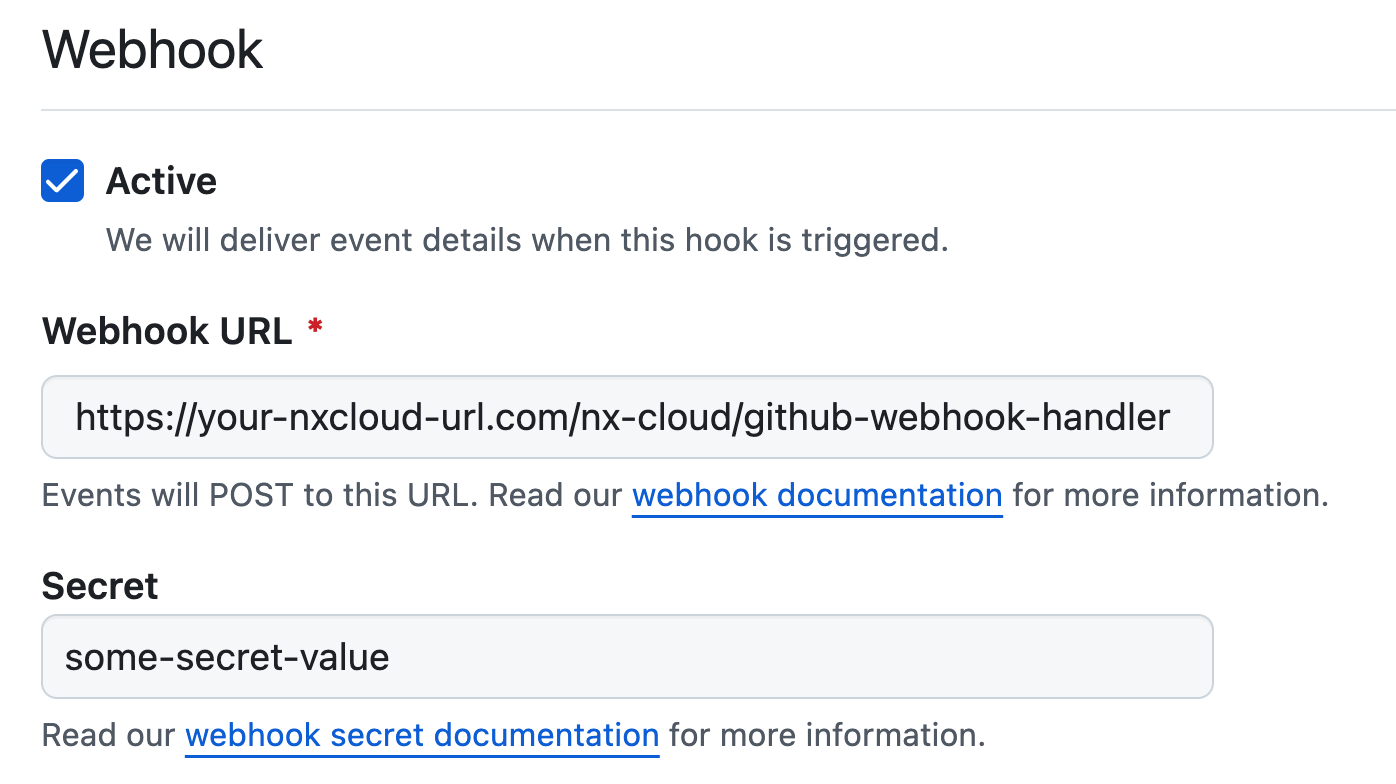
Configure a webhook and give it a secret: (the URL needs to match https://<your-NxCloud-instance-URL>/nx-cloud/github-webhook-handler)
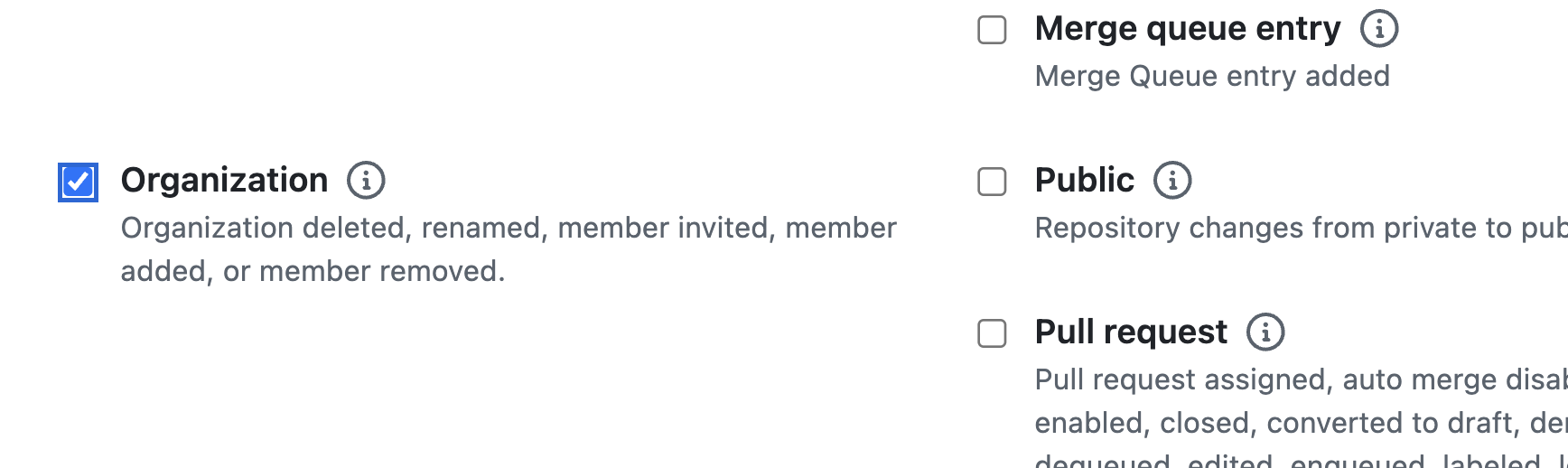
Make sure you subscribe to the "Organization" events:
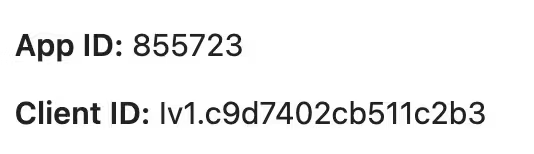
Once you create the app, keep a note of the Client ID and App ID:
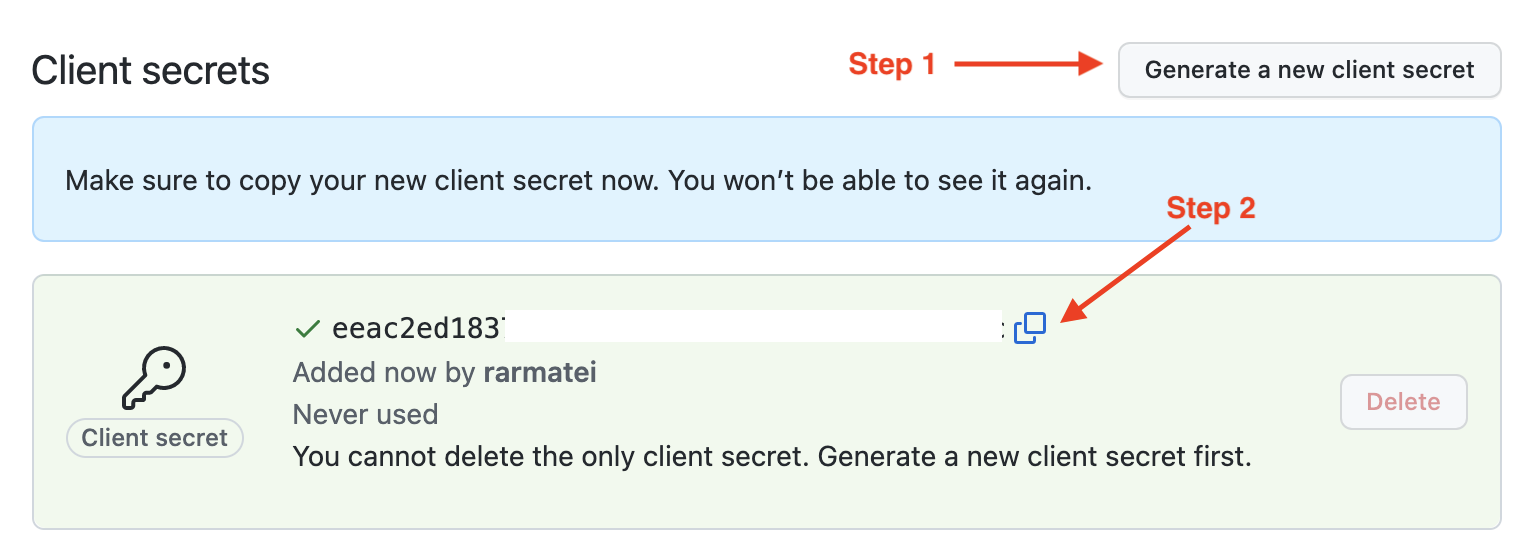
Then generate a new client secret, and save it somewhere secure (we'll use it in a bit):
Finally, scroll down and download a private key:
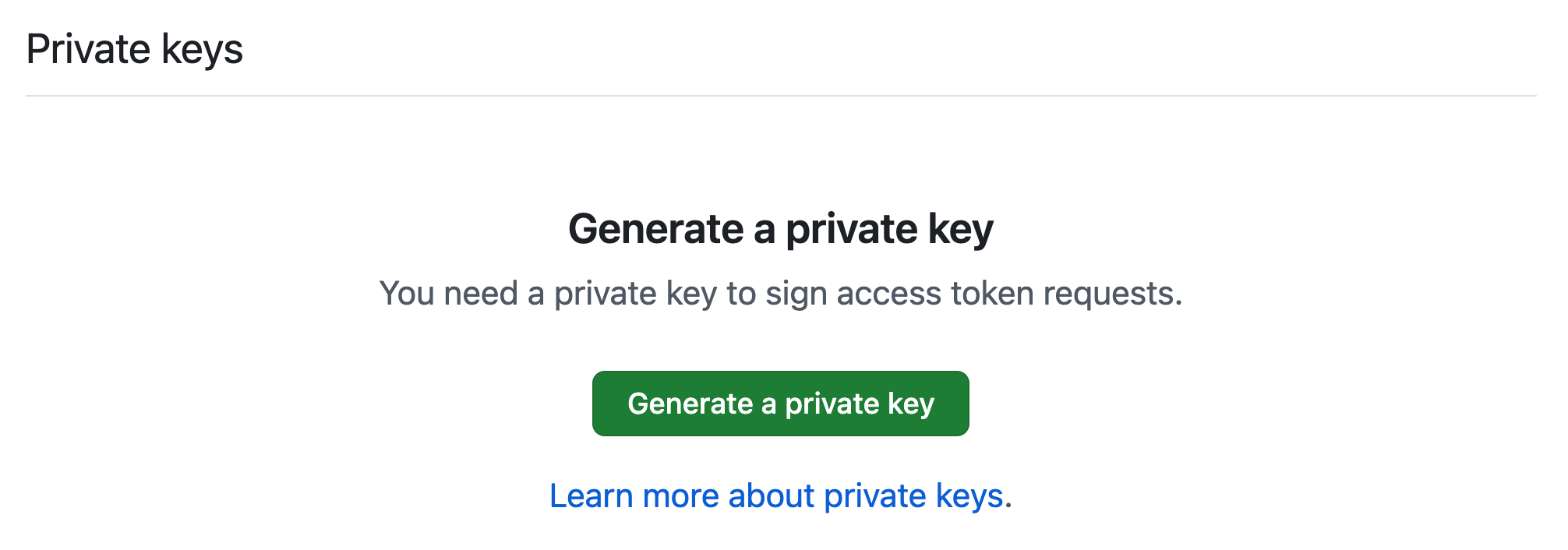
Then navigate to your download location locally and stringify the contents of the private key:
awk 'NF {sub(/\r/, ""); printf "%s\\n",$0;}' your-key.pem # keep a note of the outputSave the output of the above, as we'll also use it in a bit.
Configure permissions for the GitHub app
Section titled “Configure permissions for the GitHub app”See the GitHub App Permissions reference for the full list of required permissions and a detailed breakdown of what each one is used for.
Connect your Nx Cloud installation
Section titled “Connect your Nx Cloud installation”Provide the following values to your developer productivity engineer so they can help connect Nx Cloud to your custom GitHub app:
- Github App Client ID
- Github App Client Secret
- Github App App ID
- Github App Private Key
- GitHub App Webhook Secret